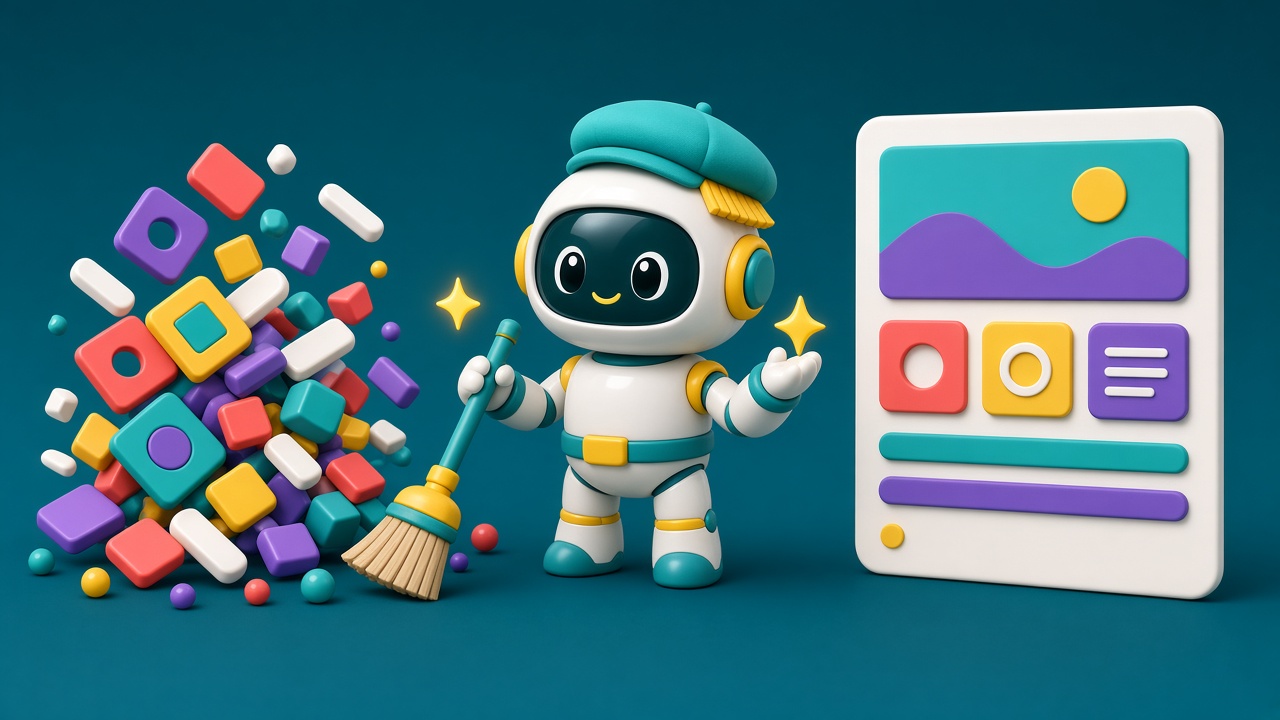
AI has made building things fast. A product manager can vibe code a working prototype over lunch, an engineer can ship an AI-generated feature in an afternoon, and a marketer can generate a full landing page in minutes. But fast to build is not the same as good to use. More and more often, designers arrive after the thing already exists and are asked to make it work.
In August 2026, Nielsen Norman Group gave this situation a name: the custodial era of UX. This article explains what that means, why it's happening, and how designers can turn cleanup work into real influence instead of endless repair.
In short: AI made production cheaper than evaluation. UX's new job is to triage what AI builds, evaluate faster, and feed what it learns back into the tools so the same mistakes stop repeating.
What "custodial era" means
In its article "The Custodial Era of UX: Cleaning Up After AI", NN/g authors Anna Kaley and Raluca Budiu describe a shift: UX increasingly meets work late in the process. A prototype is already built, an AI feature is already added, or a workflow is already live. The work is less about designing from a blank page and more about deciding what from AI to keep and what needs to change.
Their core point is simple and sharp: production has become cheaper than UX evaluation. It can now take less time to build an experience than to decide whether it's useful, usable, trustworthy and coherent.
How UX debt builds up
When teams jump straight from an idea to a plausible-looking artifact, basic questions get skipped: who is this for, what problem does it solve, should it exist at all? NN/g lists familiar results, which I'd summarize as:
- Interfaces that technically work but are needlessly confusing
- Copy, images or audio that feel obviously AI-generated and damage trust
- AI messaging that drowns out what the product actually does
- "Smart" features that add complexity but solve little
- Teams optimizing for demos and excitement instead of usability
- Features built because they could be, not because users needed them
The gap between fast building and slow evaluation is UX debt. The product works well enough to demo or ship, but confusion, drop-off, support tickets and workarounds show up later.
NN/g also points out that AI amplifies existing problems. If a team communicates poorly or makes rushed decisions, those flaws now get built and shipped faster.
The custodial pattern
NN/g describes a cycle many teams will recognize:
- A new idea appears, often driven by market pressure or simply the urge to use AI.
- AI tools make it fast to prototype or build.
- Because the result looks good, research is skipped and the question becomes how quickly it can ship.
- Problems surface: confusion, weak adoption, support load.
- UX is called in to evaluate, simplify, repair or decide what to keep.
This can happen even in companies that value UX, simply because building has become so quick.
The designer's new roles
In this environment, NN/g sees UX practitioners acting as translators between hype and reality, evaluators of whether AI actually helps users, simplifiers of overbuilt interfaces, advocates for user understanding and control, researchers who find friction, and editors of generic AI content.
That can feel frustrating. But it also creates leverage, if designers use cleanup to teach teams how to avoid the next mess.
Three ways to work in the custodial era
1. Build shared judgment about what gets built
When you receive a finished AI-generated feature, don't start polishing. Triage first. Useful questions:
- What problem does this solve, and what evidence shows it's a real user need?
- How often and how badly do users face this problem?
- Does it fit users' mental models and current workflows, or add something new to learn?
- How well does it fit the existing product and systems?
- What are the costs and risks: complexity, support, maintenance, opportunity cost?
The outcome of triage isn't always "redesign it". You might keep it, simplify it, merge it into another flow, postpone it or remove it. And always explain your reasoning, so the team learns to apply the same criteria next time. That's how UX stops being the only group that spots problems.
2. Make evaluation keep up with production
Abandoning research isn't the answer, but neither is slow research for everything. Match the evidence to the risk: quick tests for low-risk features, deeper methods for high-stakes workflows. Speed up the infrastructure:
- Keep a user panel or a fast way to recruit participants.
- Use AI for mechanics like drafting plans, screeners, scheduling and first-pass analysis, but don't replace real users with synthetic ones, and keep humans responsible for interpretation.
- Create a standard evaluation template: user value, problem solved, tasks improved, validation criteria.
- Build checklists specific to your organization, such as accessibility and content rules, and see whether AI can help check designs against them.
3. Put UX into the generation process
This is the most strategic move. If the same problem keeps appearing in AI output, it's more efficient to prevent it at the source than to fix every output. NN/g suggests capturing UX knowledge for AI tools, including:
- UX context files, such as a Design.md or UX.md, with your principles and guidance
- A design system and approved interaction patterns
- Content and formatting standards
- Accessibility requirements
- Deceptive patterns to avoid
These files must be maintained and updated as you learn from real users. They don't replace UX; they let UX spend less time on predictable problems and more on complex ones.
A practical playbook for designers
- Create a one-page triage form for AI-built features: problem, evidence, fit, cost, recommendation.
- Hold short weekly "keep, cut, fix" reviews with product and engineering.
- Track repeated issues in AI output, such as vague labels, missing empty states and inaccessible contrast.
- Turn every repeated issue into a rule in your team's context files or design system docs.
- Keep a quick-test pipeline: five users, one task, results in a few days.
- Write short decision notes explaining why something was cut or simplified.
- Learn the tools your team uses to generate UI, so your guidance fits how they actually work.
- Measure outcomes, like task success, support tickets and drop-off, not just output volume.
From janitor to guardian
NN/g plays on the double meaning of "custodian". One meaning is the person who cleans up the mess. The other is someone trusted to care for something valuable. UX may spend more time in the first role for a while. But by turning lessons from cleanup into shared judgment, faster evaluation and better generation, designers can move upstream and become custodians of something more important than any process: real users' needs.
This also connects to other trends I've written about. Design systems built for AI, Figma's new Specs and guidelines, and tools like Claude Design all point the same way: the designer's influence increasingly lives in the rules and context that AI uses, not only in the final screens.
Limits and honest caveats
- Not every team will listen. Triage only works if leadership accepts that "cut" is a valid outcome.
- Context files need ownership. Outdated rules can make AI output worse, not better.
- Speed pressure is real. Designers need to pick battles and focus on high-risk flows.
- AI-assisted research has limits. It can speed up logistics, but it can't replace real users.
Conclusion
The custodial era isn't a demotion for UX; it's a change of position. AI made building cheap, so the scarce skill is now judgment: knowing what deserves to exist, evaluating it quickly and teaching both people and tools to do better. Designers who triage clearly, test fast and encode their knowledge into AI workflows won't just clean up after AI. They'll shape what it builds.
Sources
- The Custodial Era of UX: Cleaning Up After AI, Nielsen Norman Group (Aug 28, 2026)
- The Custodial Era of UX: Cleaning Up After AI, UX Lift summary
Information checked on October 16, 2026.